
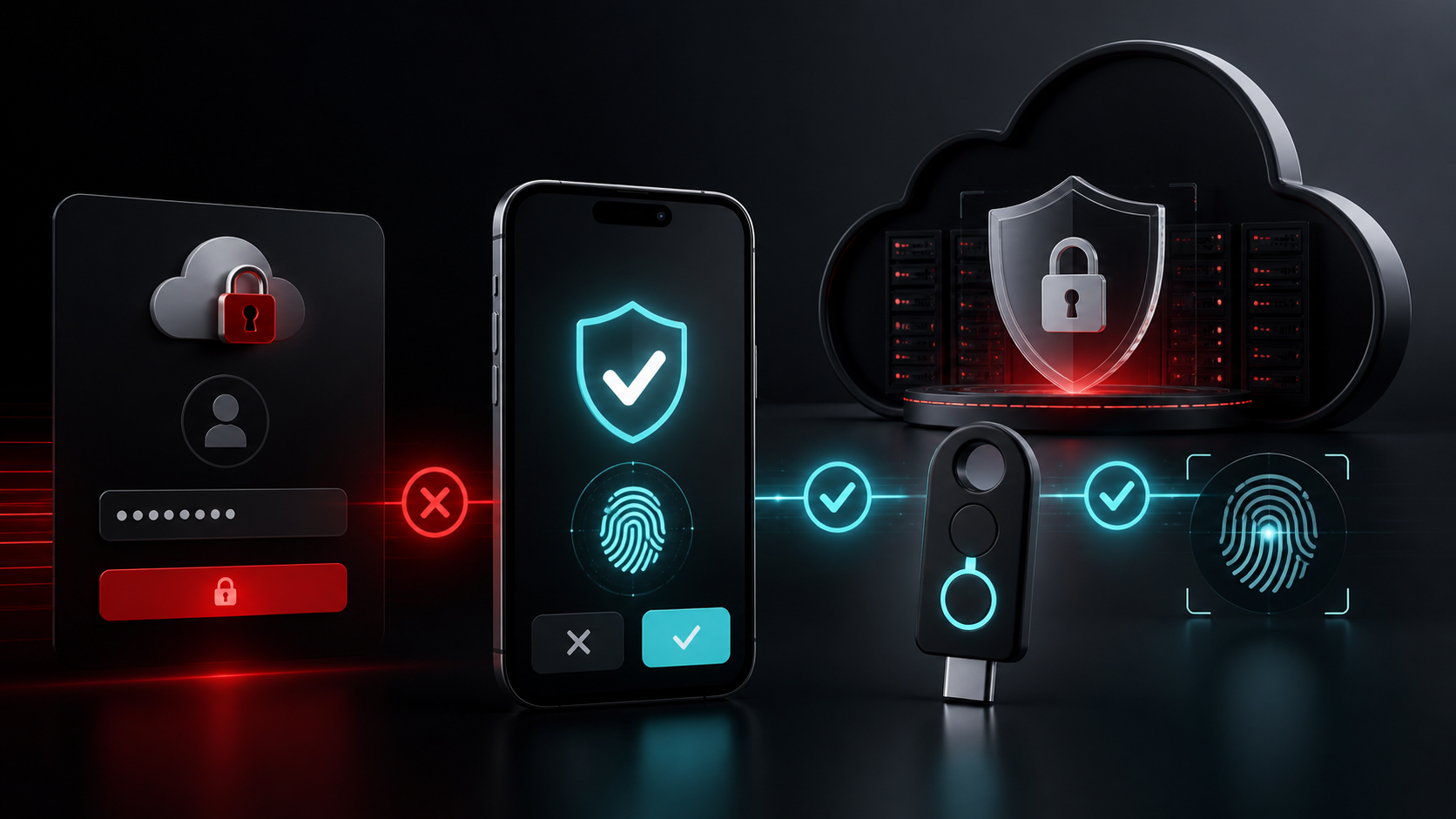
Passwords are frequently stolen through phishing, malware, password reuse and data breaches.
Multi-factor authentication provides an additional layer of protection.
After entering a password, the user must provide another form of verification.
This could include
- Authenticator application
- Security key
- Biometric verification
- One-time code
Even a strong password can be stolen.
Attackers commonly create fake Microsoft 365 or Google login pages that look almost identical to the genuine websites.
An employee may enter their password without realising the website is fraudulent.
Overview
If the attacker only has the password, additional authentication may stop them from signing in.
This is especially important for
- Microsoft 365
- Google Workspace
- Remote access
- Administrator accounts
- Cloud applications
Administrator accounts have greater access and should therefore receive particularly strong protection.
MFA does not eliminate every attack.
Businesses should combine it with email security, endpoint protection, awareness and appropriate access controls.
Overview
RepairIT can help businesses implement and manage MFA across Microsoft 365 and other business services.
Need help with this? RepairIT can review your environment and recommend practical next steps for your business.