
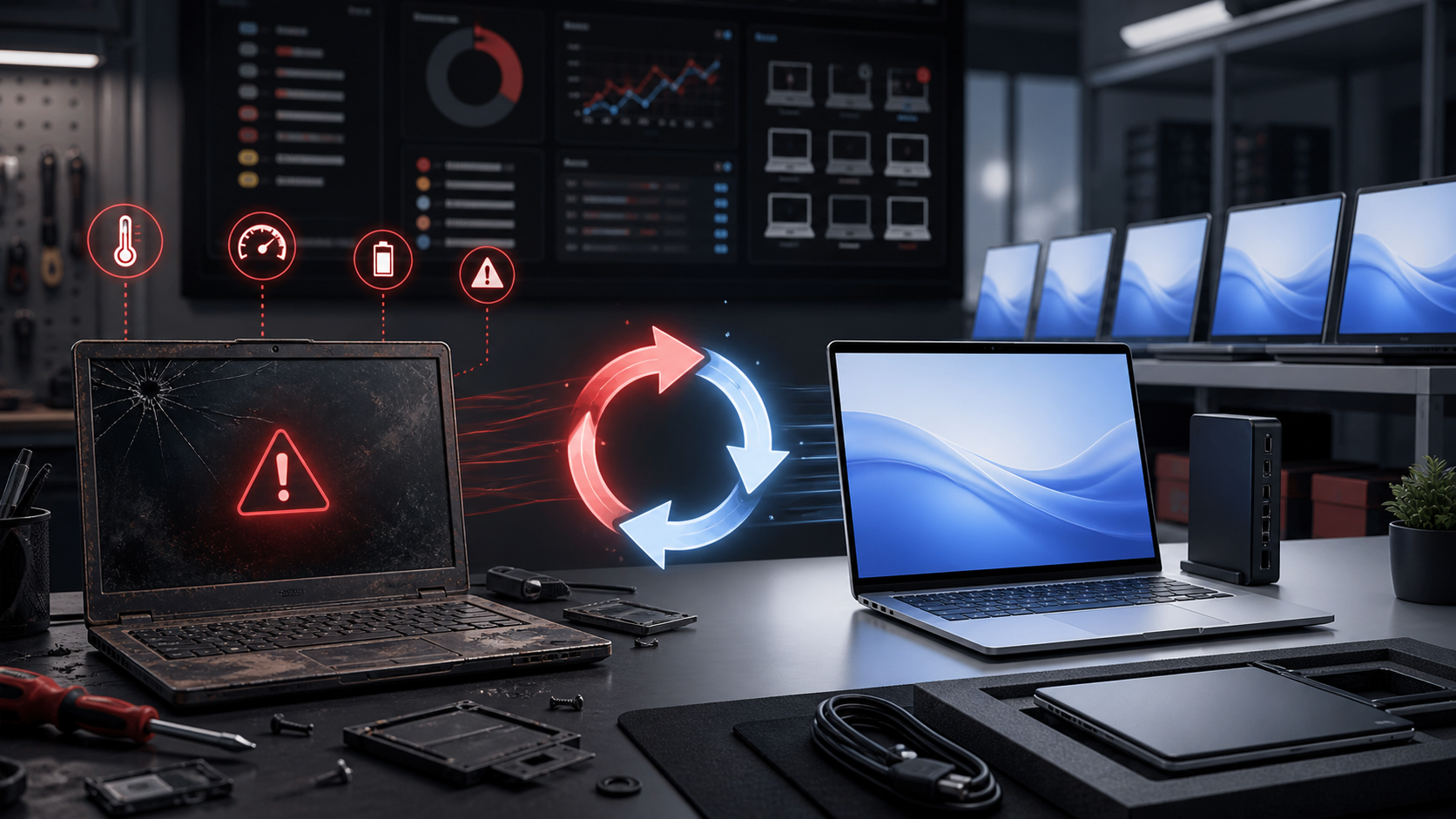
Computers rarely stop working exactly when they become outdated.
Instead, performance gradually becomes worse.
Determining the right replacement cycle helps businesses avoid unnecessary downtime.
Overview
Many businesses plan to replace computers approximately every three to five years.
However, the correct timeline depends on
- Workload
- Hardware quality
- Operating system requirements
- Warranty coverage
- Employee role
- Performance expectations
Warning signs include
- Slow startup
- Frequent crashes
- Insufficient storage
- Poor battery life
- Hardware failures
- Excessive fan noise
- Inability to run modern applications
Repeated repairs can eventually cost more than replacement.
Older computers may no longer support modern operating systems or security functionality.
Unsupported software can create unnecessary security risk.
Saving money by keeping extremely slow computers can be false economy.
If employees repeatedly wait for applications to load, the organisation is losing productive working time.
Replacing computers through a planned cycle allows organisations to maintain more consistent hardware and software.
Standardisation simplifies
- Support
- Updates
- Security
- Spare equipment
- Replacement planning
Overview
RepairIT can assess your existing computers and help determine which systems should be upgraded, repaired or replaced.
Need help with this? RepairIT can review your environment and recommend practical next steps for your business.