
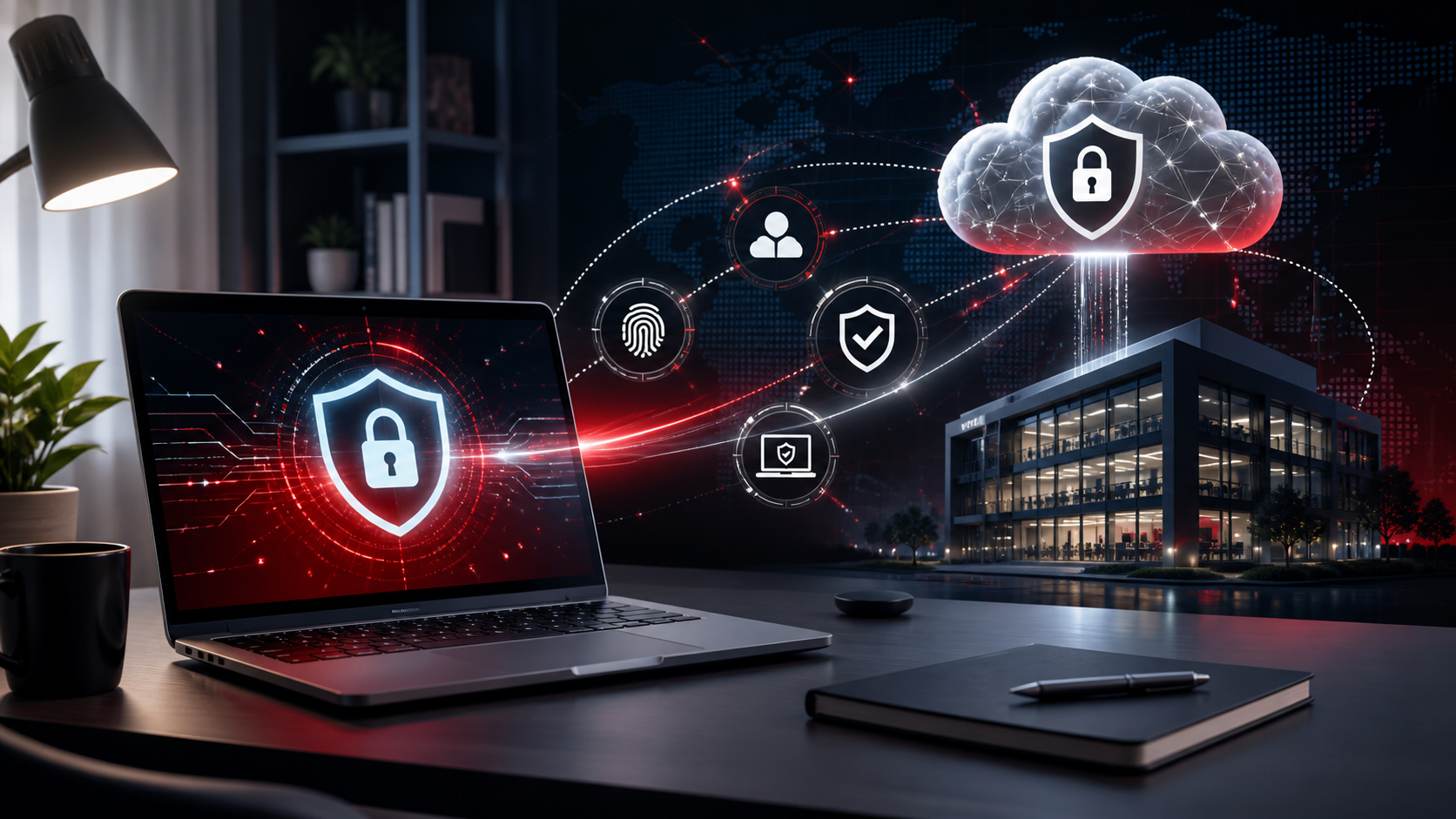
Remote and hybrid working allows employees to work from almost anywhere.
It also means company devices regularly leave the protection of the office network.
Every remote employee should use MFA for company accounts.
Strong authentication greatly reduces the risk associated with stolen passwords.
Laptop encryption protects information if a computer is lost or stolen.
Without encryption, someone with physical access may be able to retrieve company files.
Business laptops should run centrally managed endpoint security.
Administrators should be able to see whether protection is active and whether threats have been detected.
Remote laptops still need regular
- Windows updates
- Application updates
- Browser updates
- Security patches
Devices that rarely visit the office should still be maintained remotely.
Employees should not automatically have unrestricted administrator privileges on company computers.
Limiting permissions can reduce both accidental changes and security risks.
Depending on the environment, businesses may use VPNs, secure cloud applications or other controlled access technologies.
Employees should immediately report lost or stolen computers so access credentials can be reviewed and appropriate action taken.
RepairIT can configure and manage business laptops for office, remote and hybrid employees.
Need help with this? RepairIT can review your environment and recommend practical next steps for your business.