
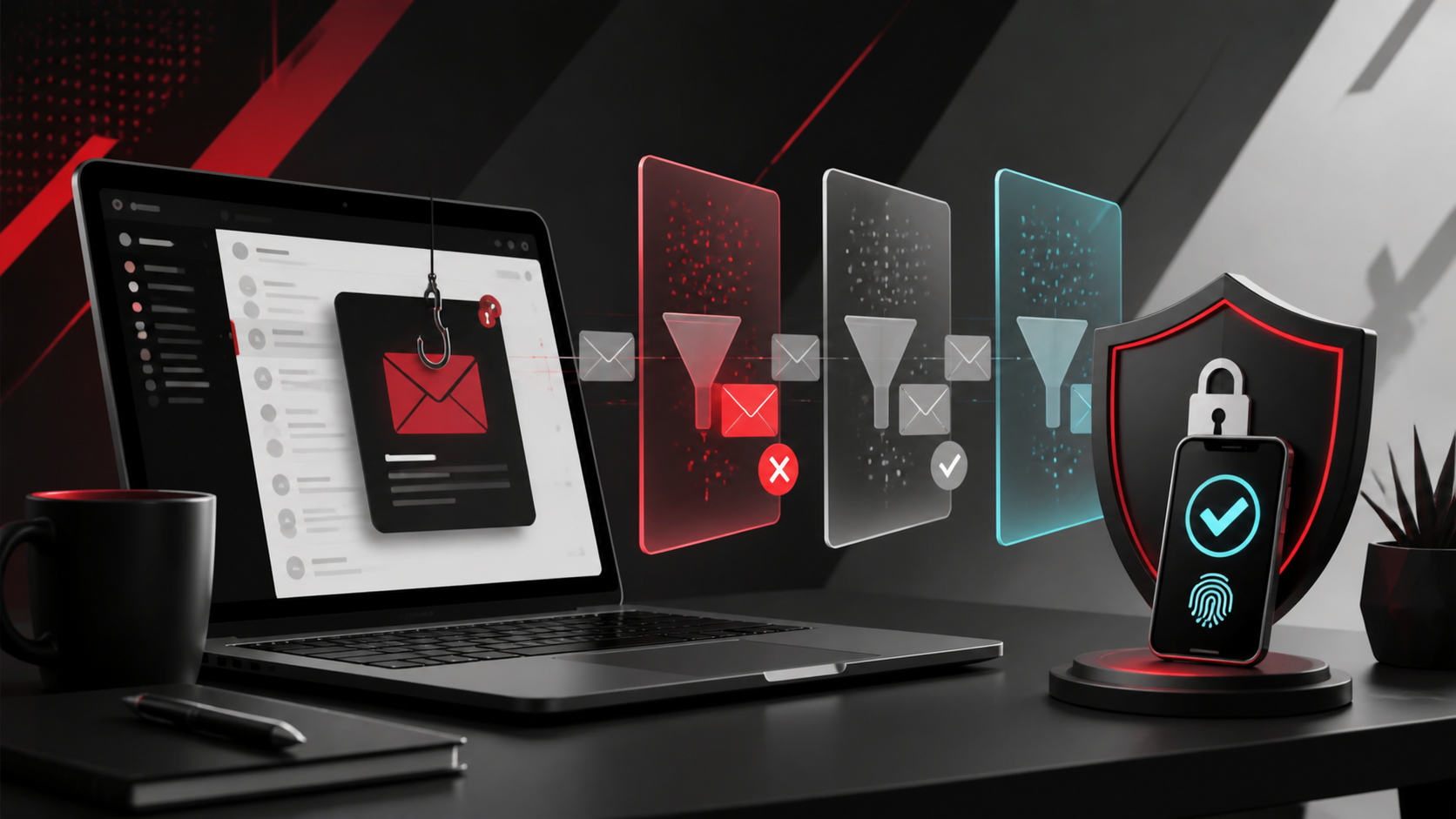
Phishing attacks are designed to trick employees into revealing passwords, approving fraudulent payments or opening malicious files.
They often look surprisingly legitimate.
An attacker may impersonate Microsoft, a bank, a supplier or even the company's managing director.
Multi-factor authentication is one of the most important protections against stolen passwords.
If an employee enters their password into a fake Microsoft login page, MFA may still prevent the attacker from accessing the account.
Business email systems should be configured to identify
- Suspicious links
- Malicious attachments
- Domain impersonation
- Spoofing
- Known phishing campaigns
Default settings are not always appropriate for every organisation.
These technologies help email systems verify whether messages claiming to come from your domain are legitimate.
Correct configuration reduces the ability of attackers to impersonate your organisation.
Employees should be cautious when emails unexpectedly request
- Password resets
- Bank transfers
- Invoice payments
- Microsoft 365 logins
- Gift card purchases
- Changes to supplier bank accounts
Verification should always happen using a trusted communication channel.
Employees need a simple process for reporting suspicious messages to IT.
The faster an attack is identified, the faster other employees can be warned.
There is no single technology that stops every phishing attack.
The strongest approach combines email security, MFA, device protection, user training and appropriate procedures.
RepairIT can help businesses improve Microsoft 365 email security and reduce exposure to phishing attacks.
Need help with this? RepairIT can review your environment and recommend practical next steps for your business.